

ShopBack
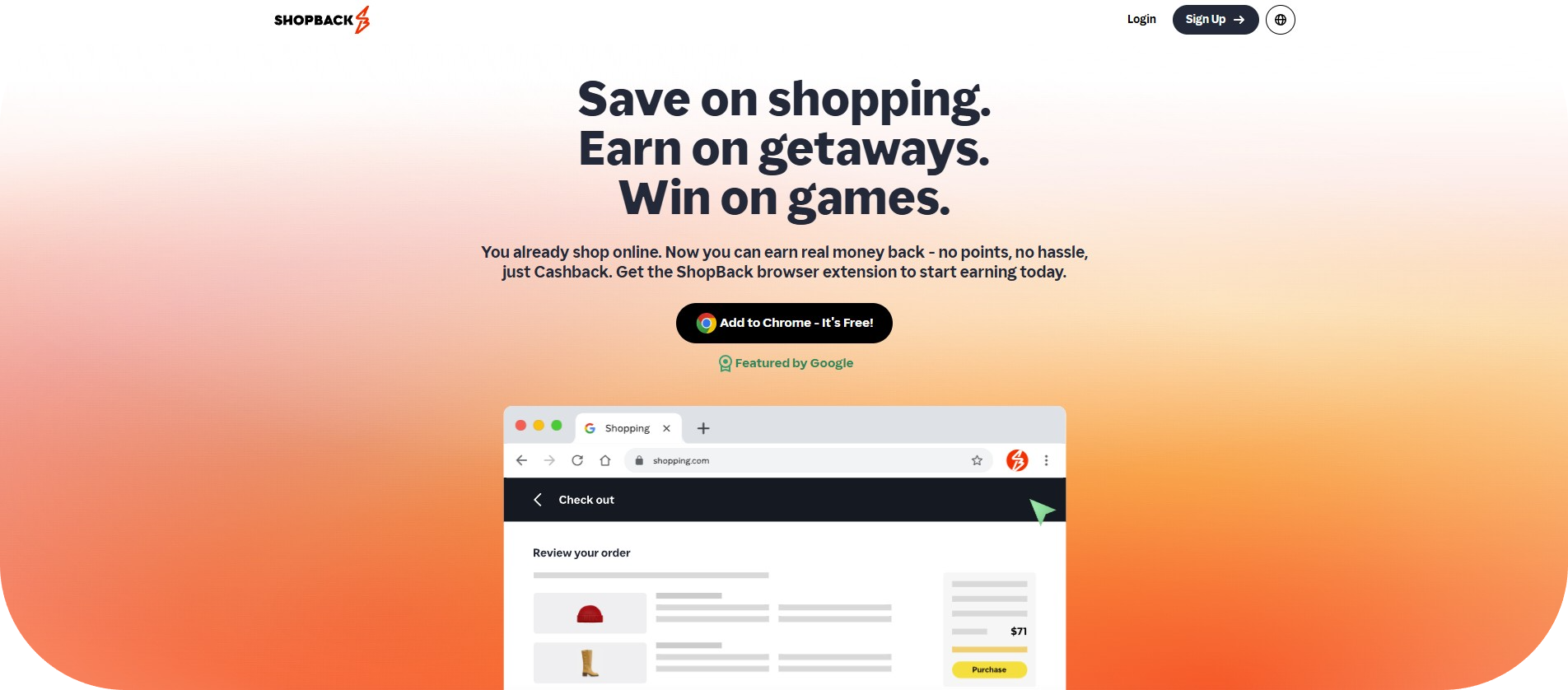
If you shop online regularly, then ShopBack might be one of the smartest tools you can add to your browser. With its free browser extension — available for Chrome, Firefox, Edge and more — ShopBack gives you cashback, coupon codes, and money-saving alerts every time you shop at participating stores.
What Is ShopBack
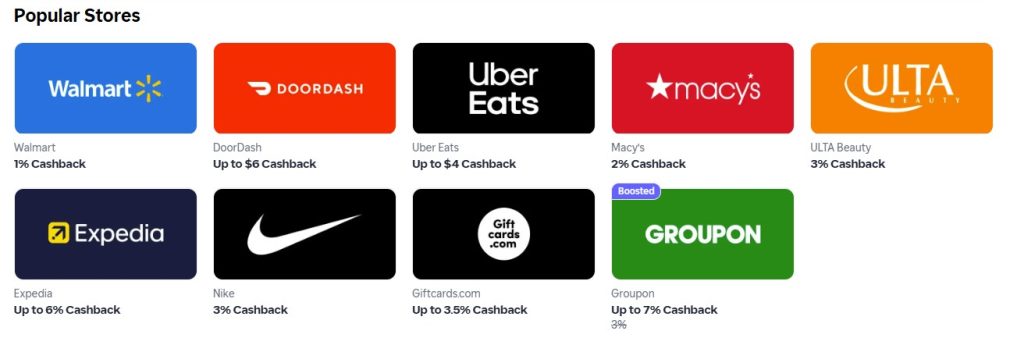
ShopBack started in 2014 and today operates across many countries worldwide. Rather than simply listing deals, ShopBack partners with thousands of online retailers — from electronics and fashion to travel and everyday essentials — to give shoppers a share of the affiliate commission the store pays. That share becomes your cashback.
You don’t need to pay anything to sign up. As long as you shop through ShopBack’s app, website, or browser extension, you can earn cashback on purchases you were going to make anyway.
Why Use the ShopBack Extension
The browser extension — often called ShopBack Button — is designed to make earning cashback effortless. Here’s what it does for you:
-
Automatically notifies you when you visit a store eligible for cashback. No need to remember to go through ShopBack manually.
-
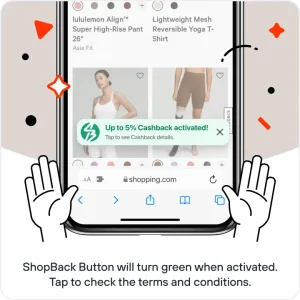
Lets you activate cashback with a single click. Once activated, the extension turns green to show tracking is on.
-
Searches and applies available coupon codes automatically — helping you stack savings on top of cashback.
-
Alerts you when your purchase has been confirmed, and cashback is credited.
-
Works with thousands of online stores — including big names in retail, travel, and services.
How to Install & Use ShopBack Extension
Installing is quick and easy:
-
Go to the extension store for your browser (Chrome Web Store, Firefox Add-ons, Edge store, etc.).
-
Click “Add to Browser” (e.g. “Add to Chrome”). Confirm by clicking “Add extension.”
-
Pin the ShopBack button to your toolbar — so it’s always easy to access.
-
Shop online as usual. When you visit a partner store, a ShopBack pop-up will appear prompting you to “Activate Cashback.” Click it.
-
The extension icon turns green, indicating cashback tracking is active. Proceed to checkout.
-
Once your purchase is confirmed, ShopBack credits the cashback to your account. Later you can withdraw earnings (e.g. via PayPal or other payment methods, depending on your country).
What You Gain: Cashback, Discounts, and More
-
Real cash-back — not just store credit or points. You get part of your spend back.
-
Coupons and promo codes — automatically applied.
-
Shipping rebates or discounts on shipping fees in some cases.
-
Special offers and promotions — stores often run boosted cashback or holiday-sale campaigns via ShopBack.
-
Easy withdrawals — once you reach the minimum threshold, you can cash out via PayPal or supported payout options.
Who Should Use ShopBack
-
Frequent online shoppers — if you shop often, cashback can add up.
-
Bargain hunters — you can stack store discounts, coupon codes, and cashback.
-
Travel planners — for booking flights, hotels, or travel services via ShopBack partner sites.
-
Budget-conscious shoppers — especially during sales, discounts, or special campaigns.
Final Thoughts
ShopBack offers an easy, low-effort way to reclaim part of your spending. By simply installing the browser extension and shopping like you normally do, you get real cashback, often with extra savings through coupons and deals.
If you shop online — even occasionally — it’s worth installing the extension and giving it a try. Over time, the cashback and savings can add up to a noticeable difference.